FOLIO / SPECIFICATION
Prepare the conversation.
Keep every question.
Choose an identity, discussion purpose and fictional source state. Download a local preparation record; no inquiry is submitted.
Your discussion record
- 01
 DEMO-FO-01 / Screen identity
Screen Module
A repeated visual identity that brings orientation, sample scope and a current source into a specification shortlist.
Which sample and source describe the proposed screen identity and its applicable scope?
- 02
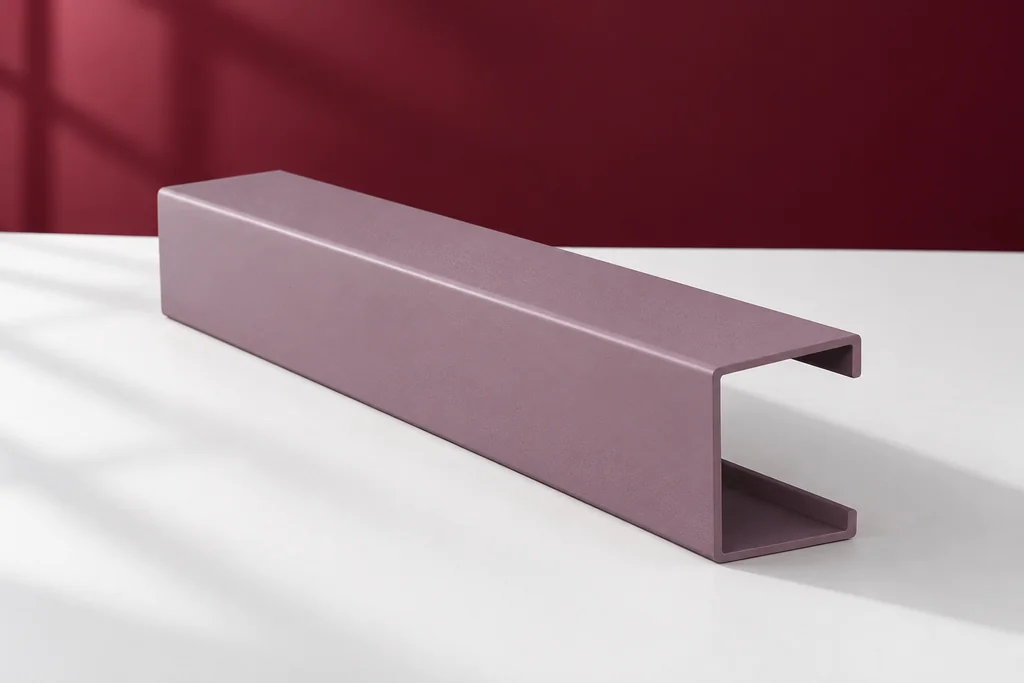 DEMO-FO-02 / Cap identity
Cap Module
A distinct closure appearance identity that brings counterpart references and scope into the document shortlist.
Which counterpart and current source identify the proposed cap record?
- 03
 DEMO-FO-03 / Corner identity
Corner Module
A corner identity that keeps the two adjacent source relationships visible during specification review.
Which two counterpart references and source issues belong to this corner question?
Before taking this record to a provider
Start with the identities that belong in the conversation, then state the reason for comparing them. Appearance, sample correspondence and source applicability are different comparison topics. Keep unanswered attributes open instead of ranking objects by an invented value. Ask the actual provider for the current source of each proposed item and record whether the sample represents that item and issue. If the shortlist or project scope changes, reopen the affected relationships. A local record order can help prepare a conversation, but it is not a priority decision, quantity schedule or supplied set. Read the document-bundle note before taking the blank worksheet to the responsible provider. The specification desk keeps identities and unresolved questions together without approving a selection or sending an inquiry.
This page has no personal-data inputs, account, upload or submission endpoint. A JSON download stays on the device. Take the prepared questions to the actual responsible provider using your own chosen communication route; this demonstration does not send a message or create an order.