GRIDLINE / UNIT LOAD
Prepare the conversation.
Keep every question.
Choose an identity, discussion purpose and fictional source state. Download a local preparation record; no inquiry is submitted.
Your discussion record
- 01
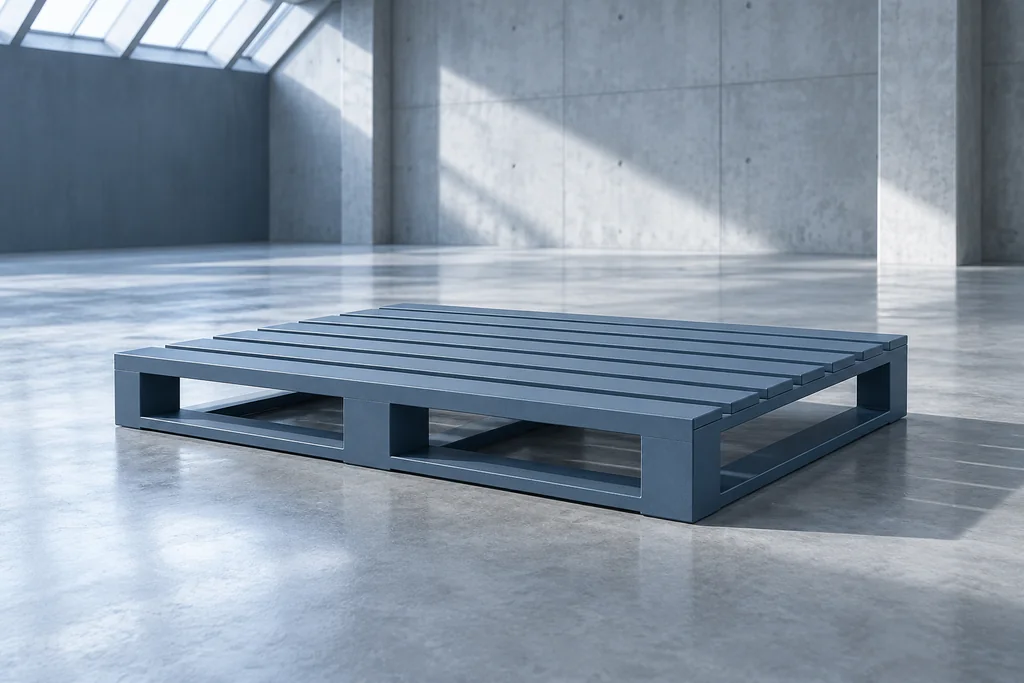 DEMO-GL-01 / Base identity
Pallet Base
An appearance record for separating a carrier outline from the actual footprint and support sources.
Which current drawing identifies the proposed base footprint and support context?
- 02
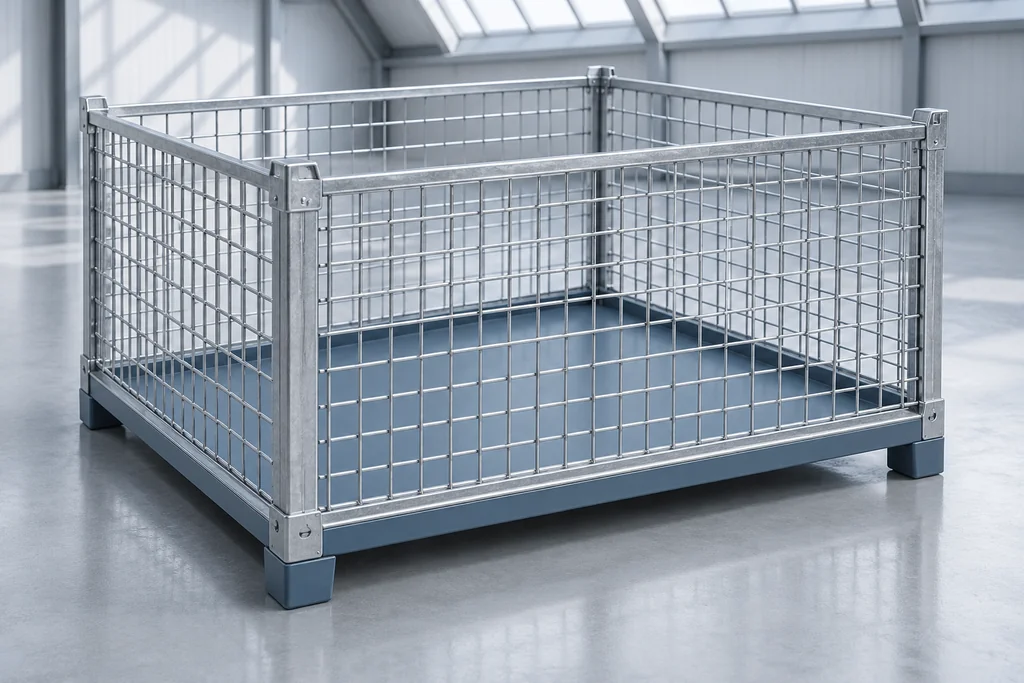 DEMO-GL-02 / Enclosure identity
Mesh Crate
A separate enclosure record connecting the visible boundary with actual base and contained-item questions.
Which source identifies the enclosure, base relation and intended contained-item scope?
- 03
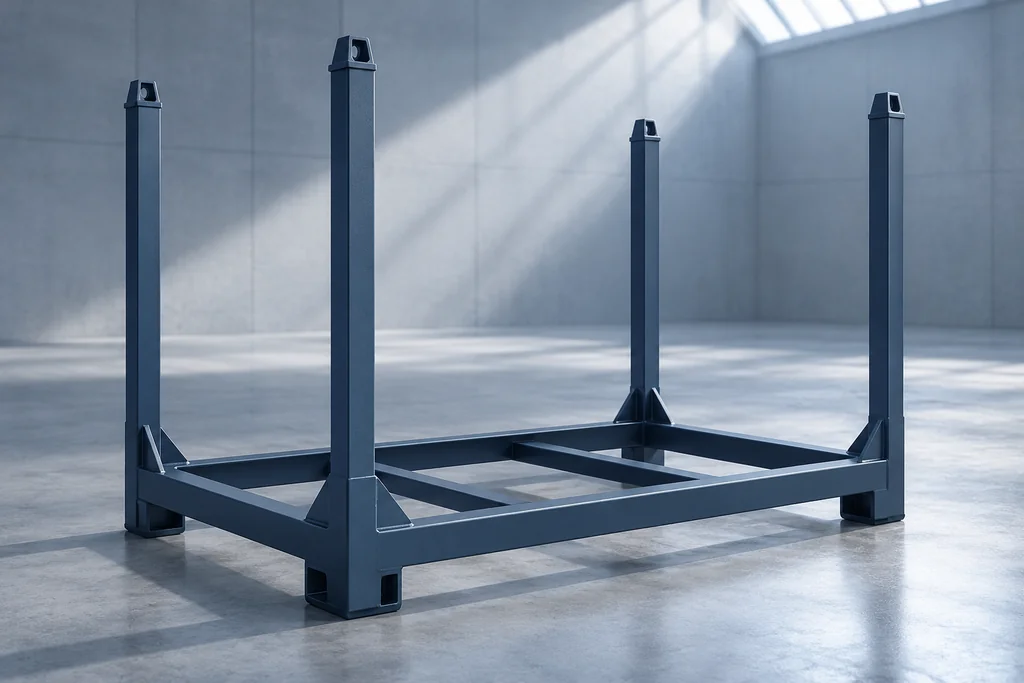 DEMO-GL-03 / Frame identity
Open Frame
An open-frame identity for discussing which proposed members and current issue belong to a carrier record.
Which source identifies the proposed frame members and their relationship to the carrier base?
Before taking this record to a provider
Begin with the actual carrier identity and the intended subject of the conversation. Ask which drawing identifies its footprint and which issue belongs to the proposed item. Separate the visible outline from the support and handling relationships that require their own current sources. A pallet, crate and open frame can be shortlisted together without being interchangeable. Record whether the question concerns a physical sample, a drawing reference or a changed scope. When the proposed issue changes, reopen the affected correspondence instead of retaining a local source note as approval. The room lets a buyer keep one to three identities in a discussion order and prepare unanswered questions. Take the blank worksheets to the actual provider. A plan illustration here is an information view, not a dimensional drawing or warehouse layout.
This page has no personal-data inputs, account, upload or submission endpoint. A JSON download stays on the device. Take the prepared questions to the actual responsible provider using your own chosen communication route; this demonstration does not send a message or create an order.