WAYFLOW / TRANSFER
Route board
An original interactive information workspace. Change the view while retaining the object identity, record source questions and keep the same content readable without animation.
An ordered route through questions
Original discussion-note map. Reordering changes information stations and their connecting stroke, not equipment positions or an operating route.
- 01
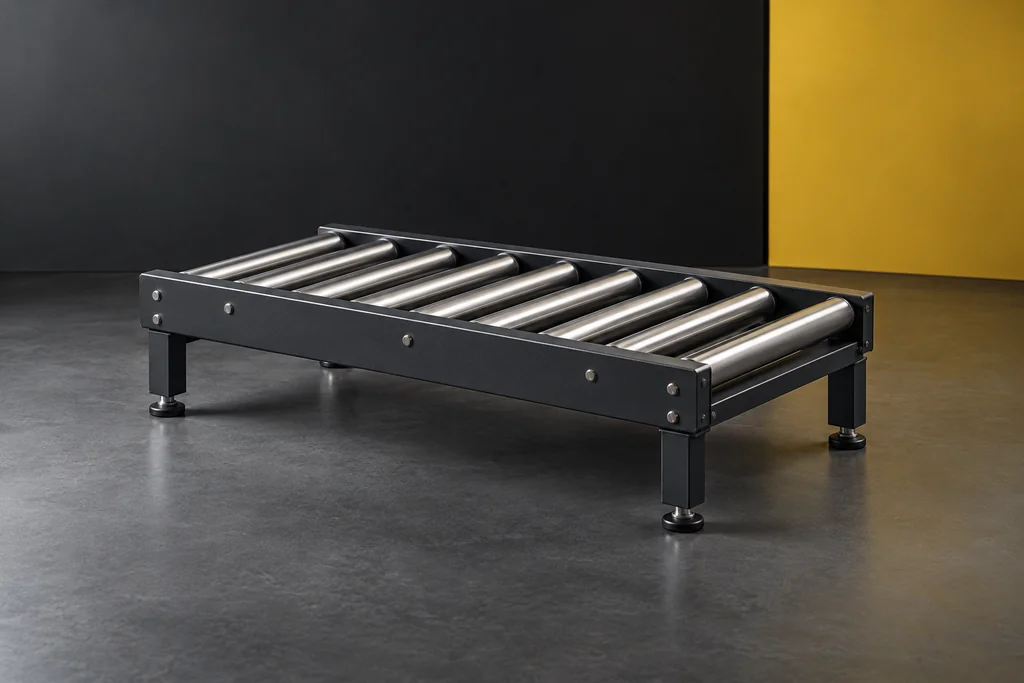 DEMO-WF-01 / Roller identity
Roller Section
A roller appearance dossier for separating section identity from its proposed incoming and outgoing interfaces.
Which current source describes this section and the actual interface under discussion?
- 02
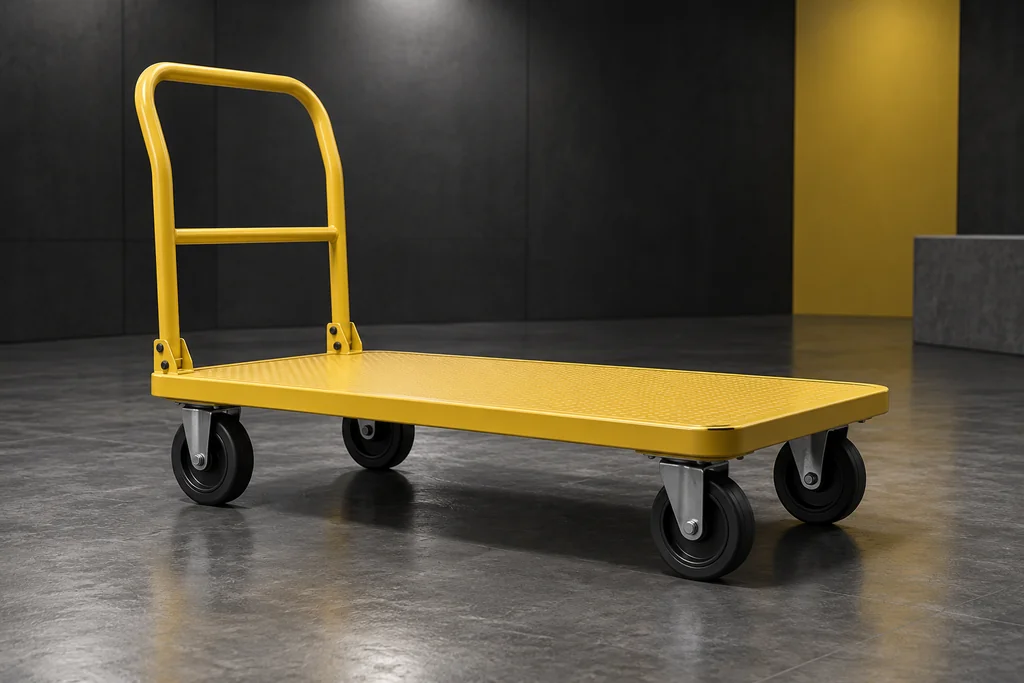 DEMO-WF-02 / Mobile identity
Platform Cart
A cart appearance record linking the proposed mobile object with the receiving question and actual configuration source.
Which source identifies the cart configuration and the receiving context being discussed?
- 03
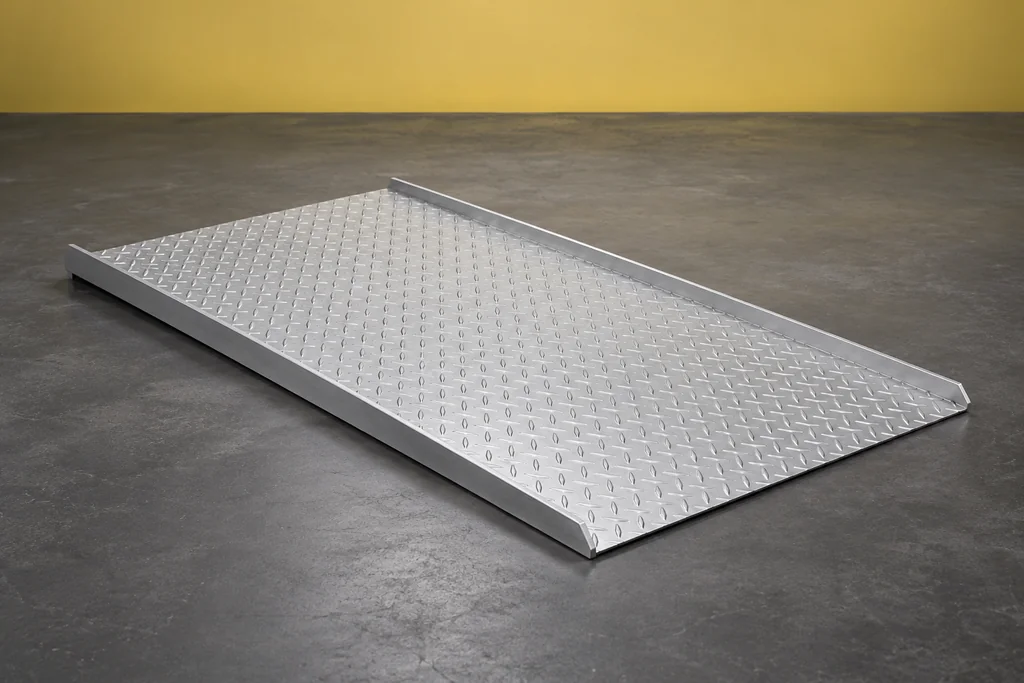 DEMO-WF-03 / Transition identity
Dock Board
A transition-object dossier that keeps both counterpart references and the current scope in view.
Which two counterpart records and current source define the proposed transition question?
Keep the source with its identity
WAYFLOW is a fictional transfer-equipment collection organized around information handoffs. A roller section, platform cart and dock board are separate product identities with different interfaces to discuss. The website does not propose combining them into a physical flow. Its route board is a map of discussion notes: reordering a shortlist changes where a question appears, while product identity and source state stay attached to the same record. A dark editorial layout gives each object a clear chapter and connects its dossier to counterpart, receiving and source questions. Actual equipment boundaries, supplied configuration and operating context must come from the responsible provider. Neither the photographs nor the route diagram establish throughput, traffic planning, compatibility or safe use. They demonstrate how a buyer can organize missing references before asking a real question.
The motion is optional and short. Use the manual switch or system preference to keep immediate state changes. Product dossiers, reading notes and blank downloads remain available without JavaScript.