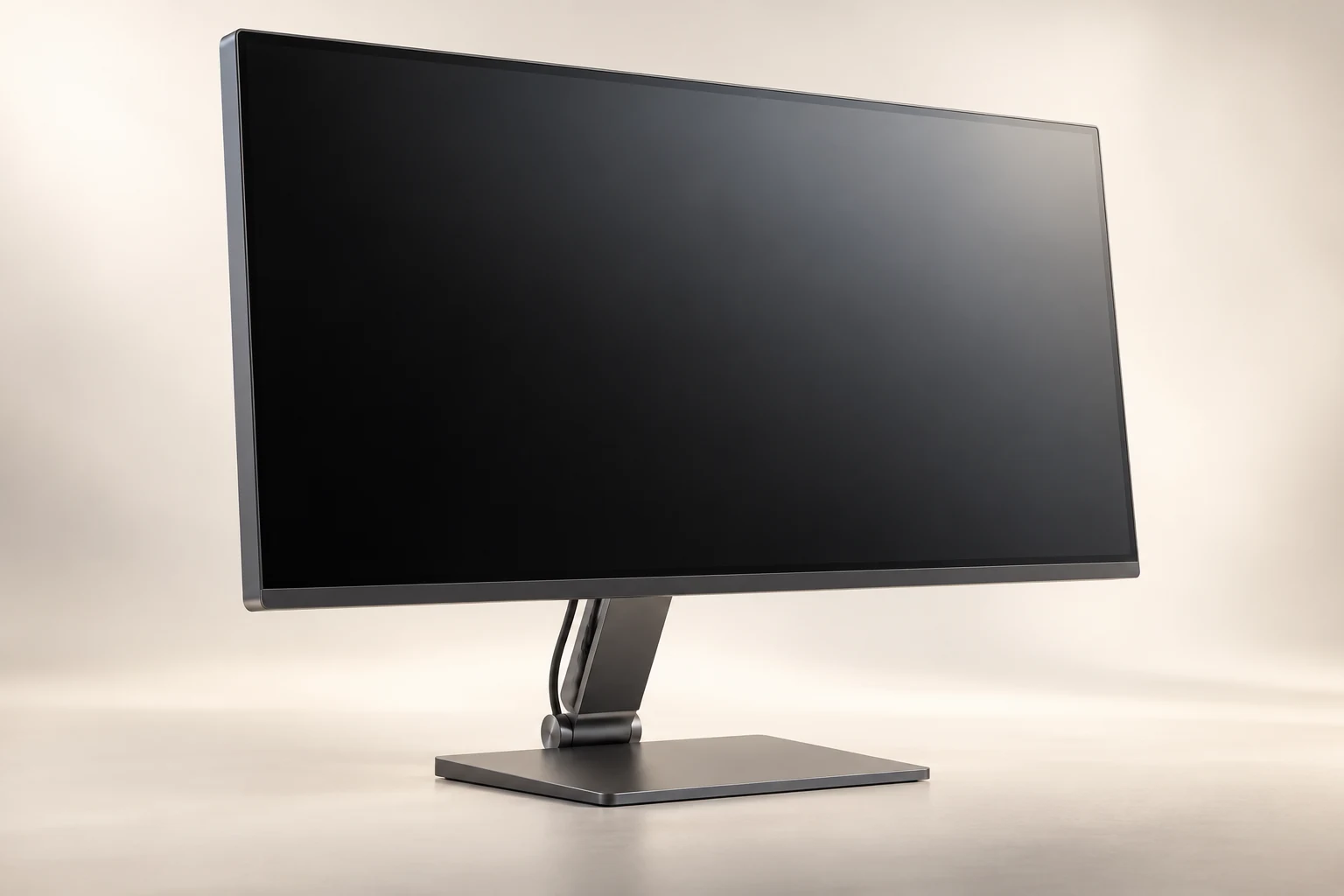
Displays, terminals & installation briefs
A display is only
one part of the space.
Plan the physical fit, the content route and the installation handoff together. Explore three commercial display concepts.

Select by deployment position
A wall, a counter and a floor each create a different procurement boundary.
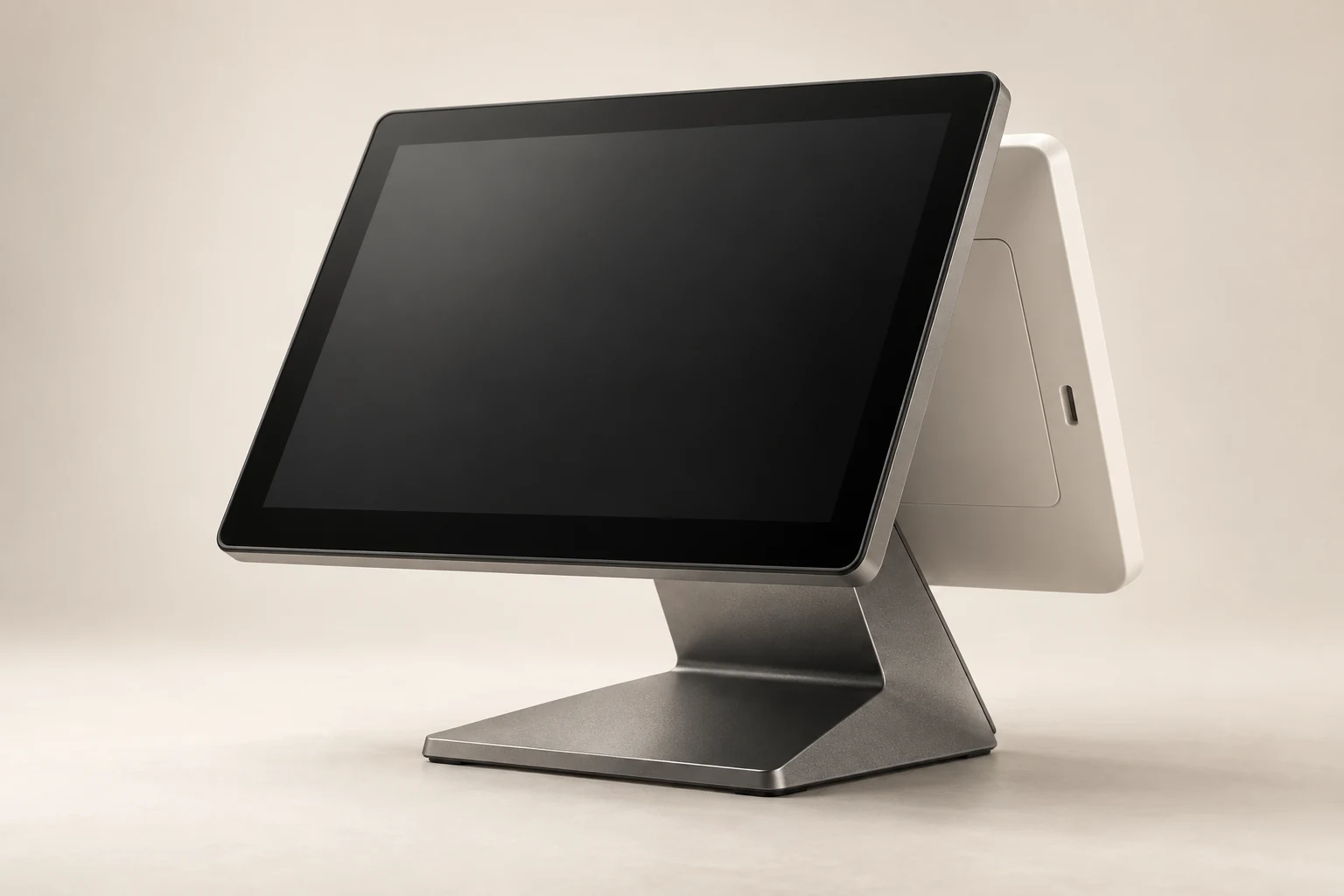
T15 / Counter
Counter touch terminal concept
Counter / video and touch responsibility
Explore the concept ↗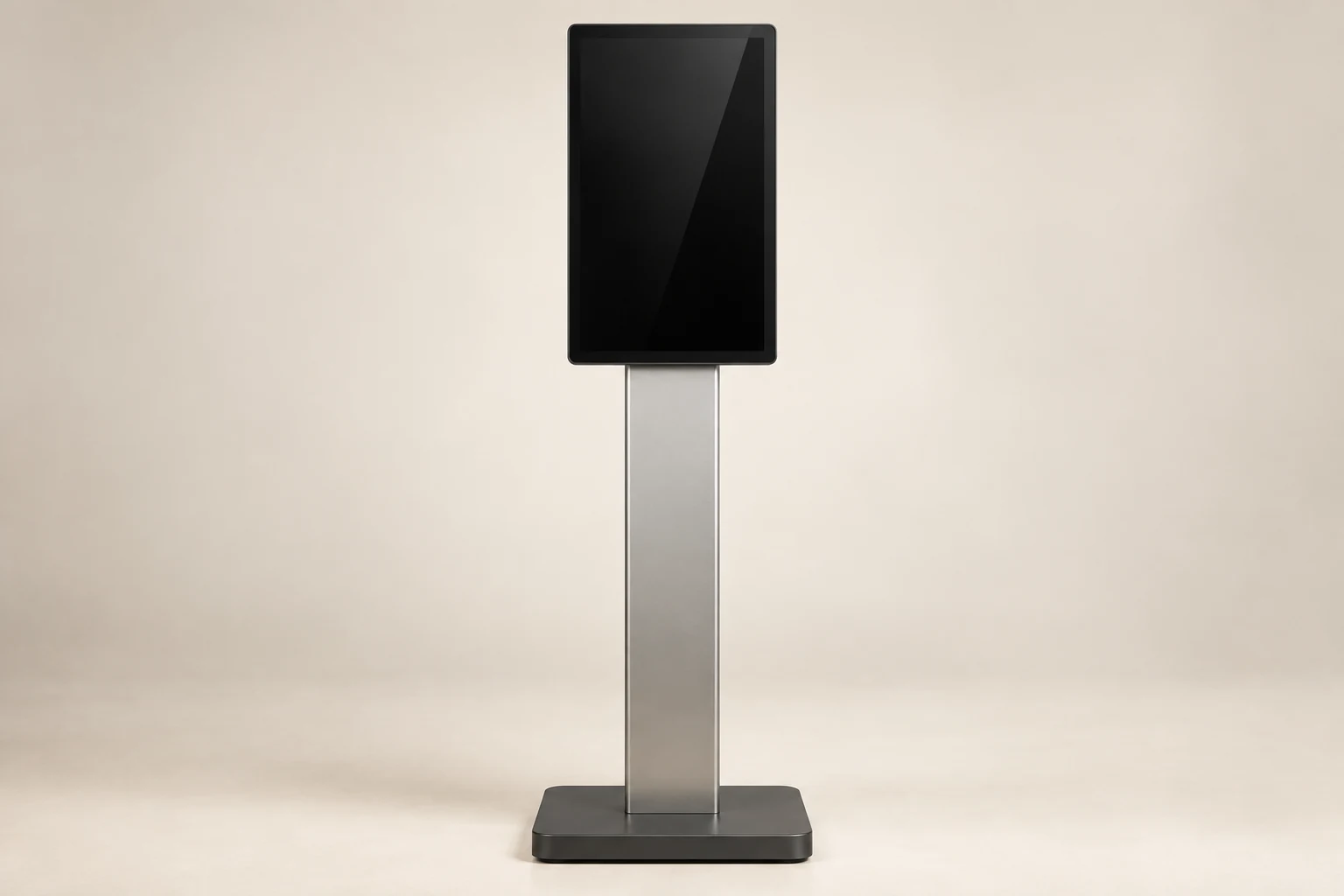
Deployment boundary
Four decisions around the screen.
Panel hardware does not resolve the bracket, player or project handoff. Name the responsible party for each before a site pilot.
Open the deployment worksheet ↗Physical fit
Position, reach, rotation and service clearance.
Connection
Video, touch return and power as separate paths.
Installation
Installer reviews bracket, substrate and fastening.
Content & support
Player, software image and replacement access.
A pilot brief that reaches the installer.
Review the exact sample configuration with the intended player and mounting plan.
| Decision | Buyer-side record | Sample gate |
|---|---|---|
| Mount | Responsible installer + placement sketch | Alignment and service access review |
| Player | Host, OS and content owner | Video / touch / power recovery |
| Pack | Screen, bracket and cable scope | Transit protection + assembly sequence |