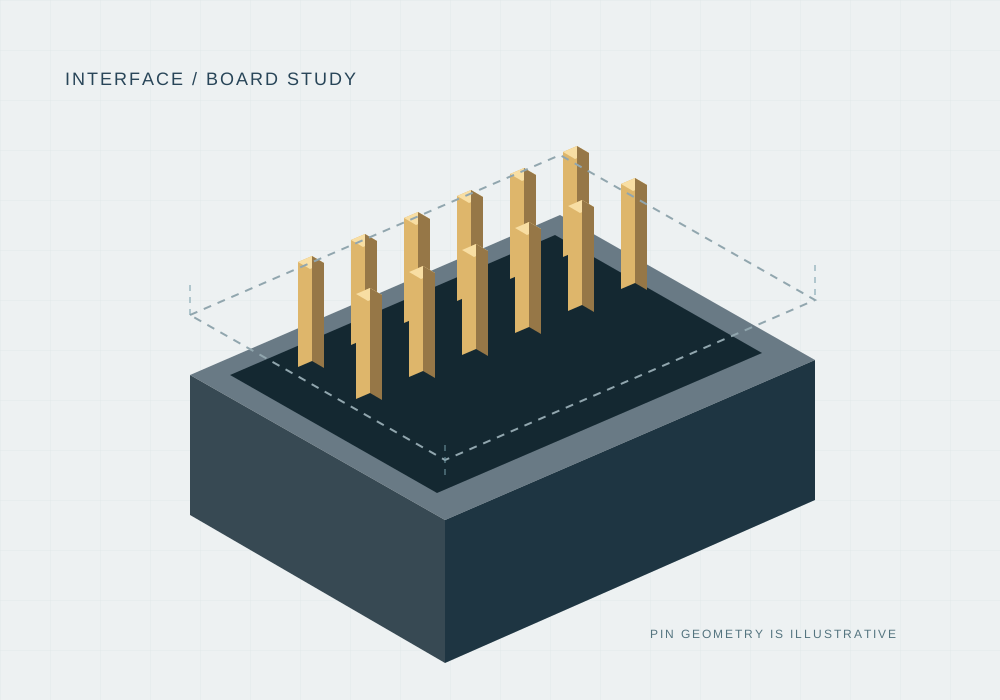
Board interface NP-204
Board header concept
An illustrative board header for a pitch, orientation and layout discussion.
- Positions
- 4
- Pitch
- 2.00 mm
THE INTERFACE IS THE STARTING POINT
A specification-led component catalog. Narrow the interface, inspect the drawing scope and prepare a sample list before a design-in decision.
Build a sample list →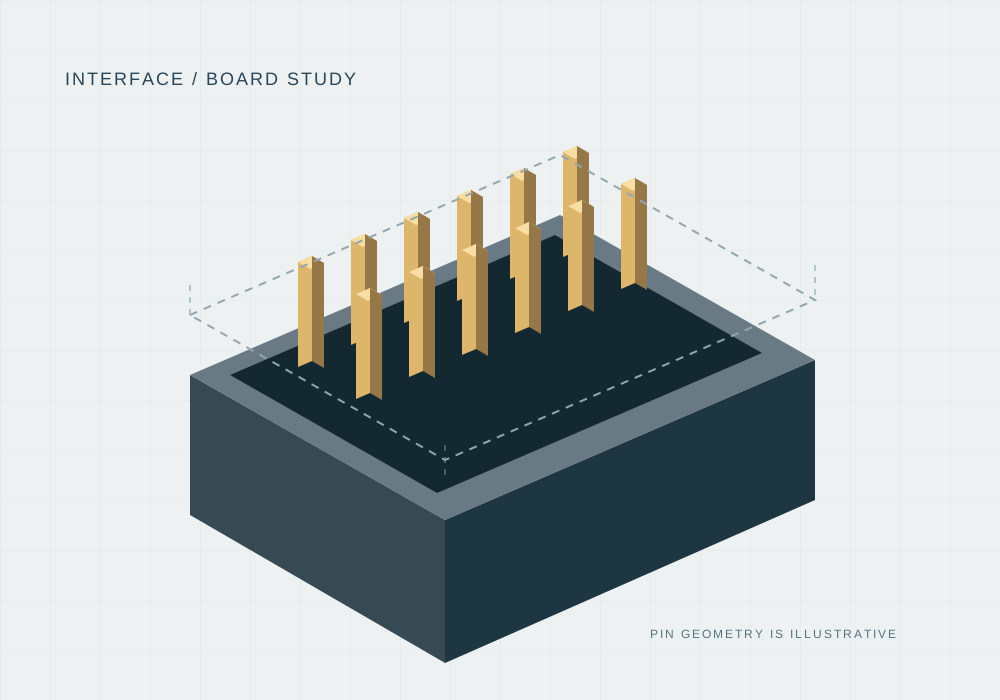
Electronic components
Board interface NP-204
An illustrative board header for a pitch, orientation and layout discussion.
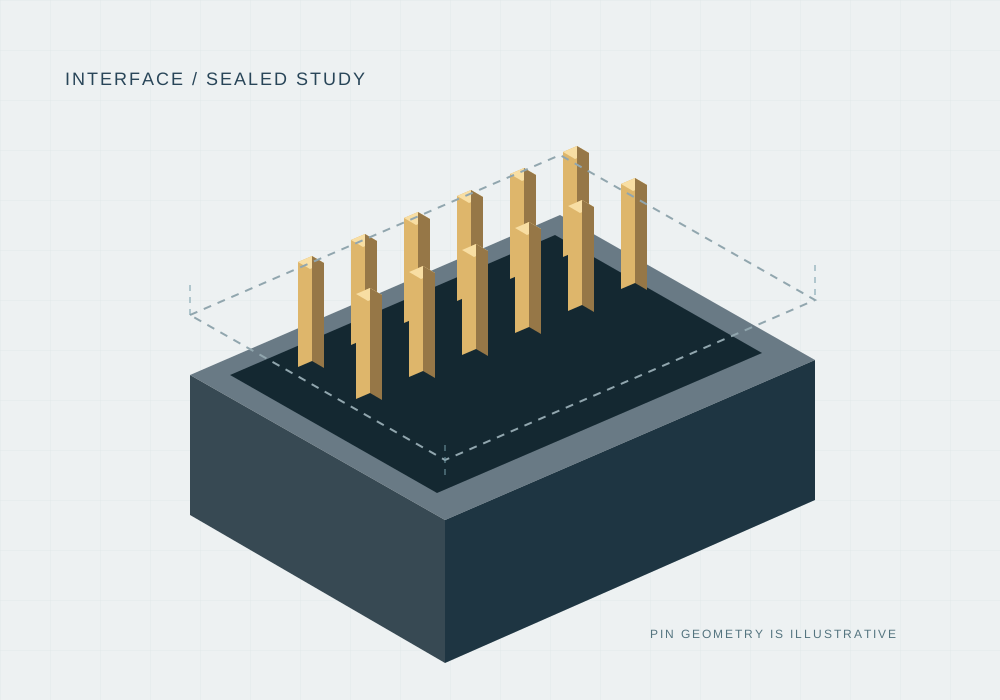
Wire interface NP-406
A fictional housing configuration that makes terminal, seal and mate selection visible.
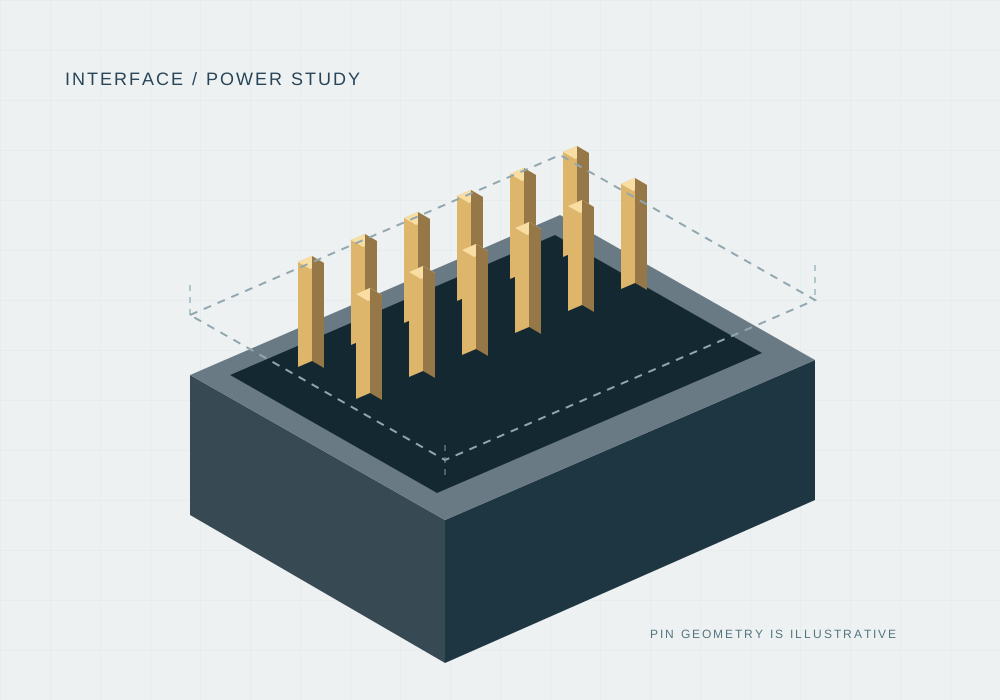
Terminal interface NP-512
A multi-position terminal concept for a mounting and termination requirement brief.
Use part number, pitch, positions and termination as separate filters in a real catalog. This first batch supplies three illustrative entries.
A compatible mate, mounting geometry and application requirements are part of the design-in conversation.
Product drawings, actual CAD and electrical evidence must match the exact revision. Demo notes are visibly labeled.
A CLEARER NEXT STEP